
Be careful with role addresses: know the risk
#role-address#noreply#deliverability#validation
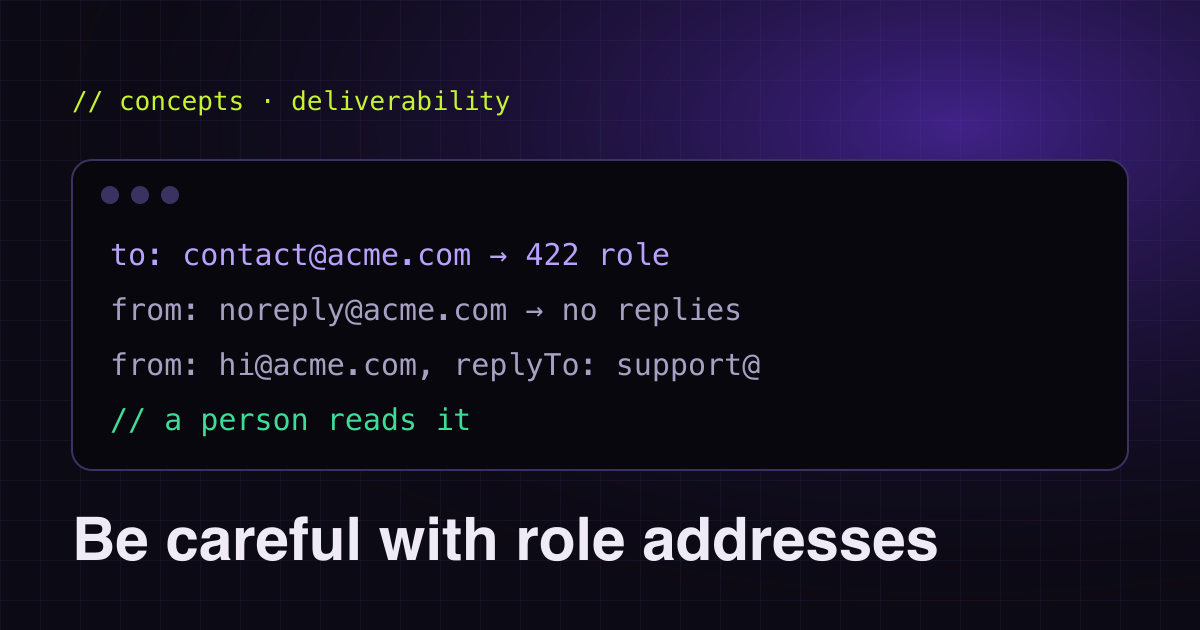
A role address is an address of a function, not of a person: contact@, info@, sales@, support@, admin@, noreply@. Usually a team reads it, a ticket tool reads it, or no one reads it.
They look harmless. But they hurt your deliverability from two sides: when you send to them, and when you send from noreply@.
Sending to a role address
When a person signs up with contact@acme.com, your mail does not go to that person. It goes to a shared inbox, a distribution list, or a ticket queue. That causes problems:
- No one asked for the mail. The person who signed up is one of many readers. The others do not know your product, and some of them click Report spam. Each click is a complaint against your domain.
- The list changes, the address stays. The person leaves the team, and your mail still arrives for people who never signed up.
- No one reads it at all. Many
info@andadmin@inboxes are full or abandoned. Mail that no one opens tells the provider that your mail is not wanted. - Bots use them. Sign-up bots and list scrapers fill forms with role addresses, because every domain has them.
The result is more complaints and less engagement, and both move your next mail toward spam, also for the people who wanted it.
Sending from noreply@
From: noreply@acme.com tells the person: "do not answer". This also hurts:
- The person can not reply, so they report. A person who wants to stop the mail, or has a question, can not answer. The Report spam button is the easy way out.
- A reply is a good signal. When people answer your mail, or add you to their contacts, mailbox providers see a sender that people talk to.
noreply@throws that signal away. - Replies get lost. People answer anyway, and the answer bounces or goes nowhere. A customer with a problem gets silence.
What to do in their place
Ask for a personal address. On the sign-up form, show a short message when the address is a role address: "Use your own e-mail, so the codes come to you."
Check the address before you keep it. POST /validate gives role: true for a team inbox, with the verdict risky and the reason role. It sends nothing:
const check = await mail.validate(email)

if (check.role) {
  return { error: "Use your own e-mail, not a team inbox." }
}
Send from an address that a person reads. Use hi@, support@ or the name of a person, and set reply_to to the inbox of your team:
await mail.send({
  from: "Acme <hi@acme.com>",
  replyTo: "support@acme.com",
  to: user.email,
  subject: "Your receipt",
  html: receiptHtml,
})
Give an easy way out. Turn on List-Unsubscribe on the domain. Gmail and others show an Unsubscribe button next to the sender, so a person who wants to leave does not need the spam button.
What 1billion does
POST /send refuses a role address (contact@, noreply@) as a recipient by default. The recipient gets 422 with check and address, and nothing is sent or charged.
Some apps must send to a team inbox, for example an invoice to billing@ of a company. For them, turn on the switch that accepts role addresses on the page of the app. Then the mail goes, and the choice is yours.
Start now
The first 100 mails of each day are free, every day: each workspace gets 100,000 credits at midnight, with no card. Log in to the console, add your domain, and send your first mail in a few minutes with the quickstart.
Re: Be careful with role addresses: know the risk
The first 100 mails of each day are free, every day. No card. Log in and send your first mail in a few minutes.
Start sending free