
Delivery webhooks in practice
#webhook#bounce#signature#nextjs
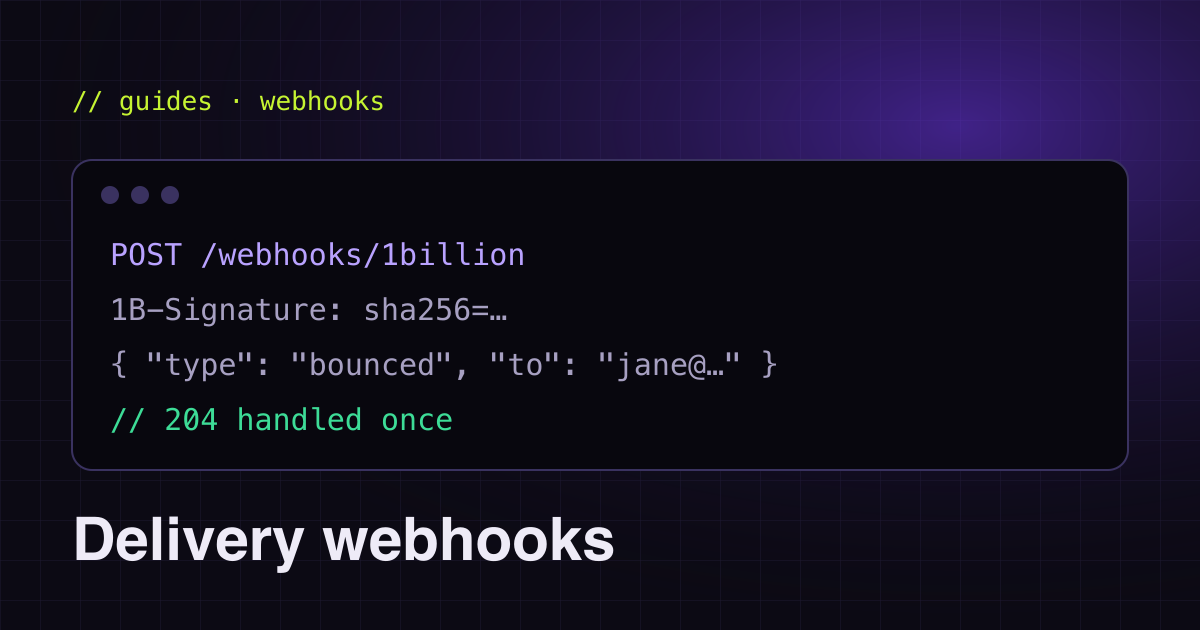
POST /send returns 202 with the status accepted: 1billion has the mail. The delivery runs after that, with its own retries, and it can take seconds or, for a slow server, much more. So the result does not come in the answer. It comes as a webhook: a signed POST from 1billion to your app, one for each message that finishes.
1. Set the URL
Open the page of the app in the console and set the webhook URL, for example https://acme.com/api/webhooks/1billion. Copy the webhook secret from the same page, and put it in the environment:
export ONEBILLION_WEBHOOK_SECRET=<your webhook secret>2. Know the events
Each event is a small JSON:
{
  "id": "4a1e…",
  "type": "bounced",
  "message_id": "9f2c…",
  "to": "jane@example.com",
  "detail": "mx.example.com: 550 5.1.1 user unknown",
  "created_at": "2026-10-30T12:00:03Z"
}
type | When |
|---|---|
delivered | The server of the recipient accepted the mail. |
bounced | The server of the recipient refused it. detail has its answer. |
unsubscribed | A person left the domain with one-click unsubscribe. detail has the domain, and message_id is empty. |
test | The test button on the Webhooks page. Answer 2xx and ignore it. |
You can turn off each type for each app on the Webhooks page. A new type of event is on until you turn it off.
3. Check the signature
Anyone can send a POST to your URL, so check that the event comes from 1billion. Each event has the headers 1B-Event-Id, 1B-Timestamp and 1B-Signature. The signature is the HMAC-SHA256 of <timestamp>.<raw body> with your secret.
The SDK does the check in one call. In a Next.js route:
// app/api/webhooks/1billion/route.ts
import { OneBillion } from "@clowk/1billion"

export async function POST(request: Request) {
  let event

  try {
    event = OneBillion.verifySignature({ payload: await request.text(), headers: request.headers })
  } catch {
    return new Response(null, { status: 401 })
  }

  await handle(event)

  return new Response(null, { status: 204 })
}
Two rules:
- Use the raw body. Check the text exactly as it came, before you parse it. A body that you parse and write again is a different string, and the signature fails.
- Refuse an old timestamp. The SDK refuses a timestamp more than 5 minutes old, so a copied event can not be sent again later.
The Webhooks guide has the same check in Ruby and in Go, and by hand for any language.
4. Handle each event once
Delivery is at least once: a network problem can bring the same event two times. Keep the id of each event that you handled, and skip the ones that you know:
async function handle(event: WebhookEvent) {
  const isNew = await db.webhookEvents.insertIfAbsent(event.id)

  if (!isNew) return

  switch (event.type) {
    case "bounced":
      await db.users.markEmailBounced(event.to, event.detail)
      break

    case "unsubscribed":
      await db.users.unsubscribe(event.to, event.detail)
      break

    case "delivered":
      await db.messages.markDelivered(event.message_id)
      break
  }
}
A unique index on the event id is enough for insertIfAbsent.
5. Answer fast
Answer 2xx as soon as the event is safe in your database. Any other status is tried again with a backoff, for up to 48 hours. If your work is slow, put the event in a job queue and answer first.
A failed event shows on the Webhooks page, with a button to send it again. The new try is a new event, with a new id.
What to do with a bounce
A hard bounce already puts the address on the suppression list of the app, so 1billion does not send to it again. The webhook is for your side: show "this e-mail does not work" to the user, and ask for a new address. When the user fixes it, take the old address off with DELETE /suppressions/{address}.
Start now
The first 100 mails of each day are free, every day: each workspace gets 100,000 credits at midnight, with no card. Log in to the console, add your domain, and send your first mail in a few minutes with the quickstart.
Re: Delivery webhooks in practice
The first 100 mails of each day are free, every day. No card. Log in and send your first mail in a few minutes.
Start sending free